Internet & LAN
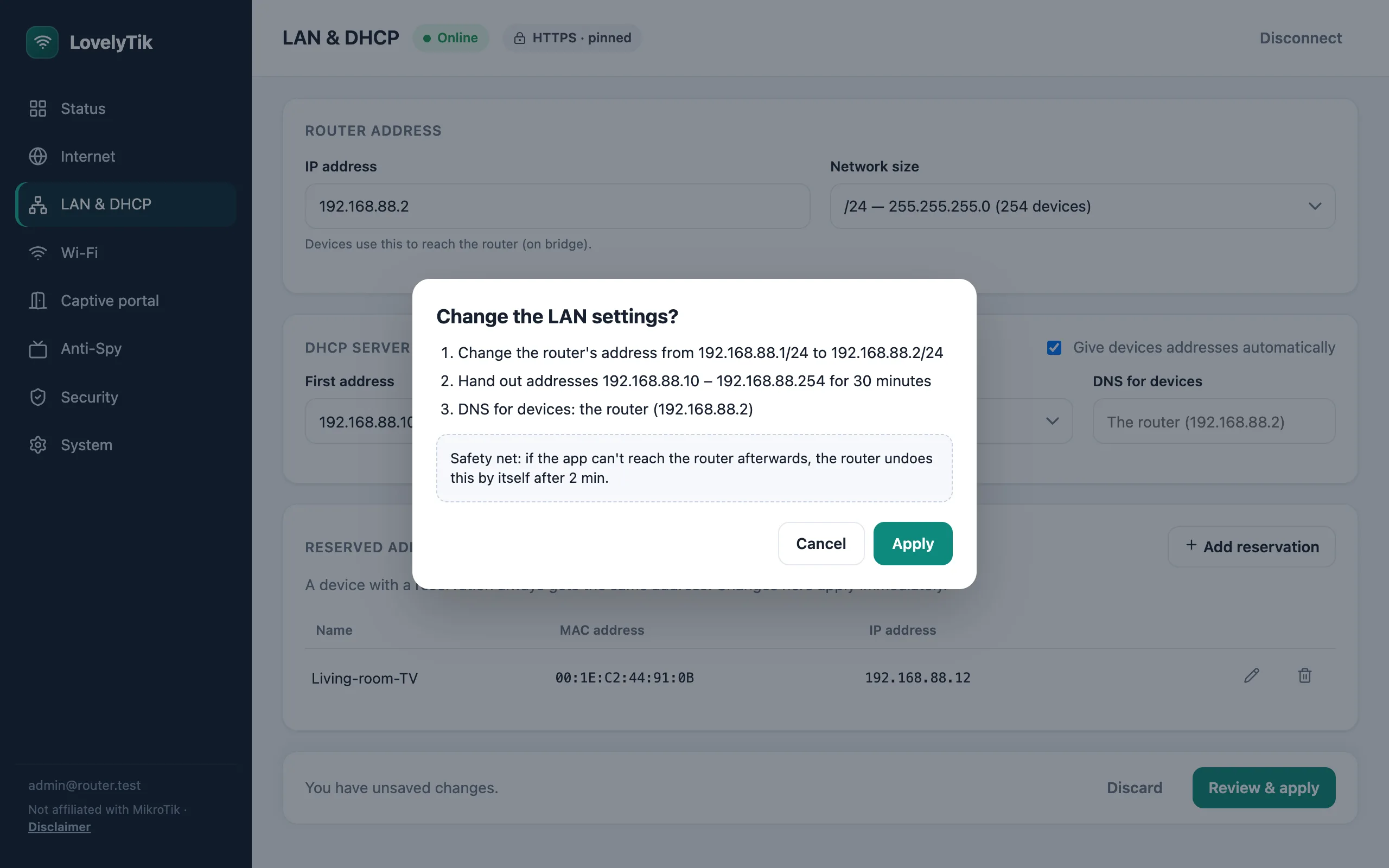
Automatic (DHCP), fixed IP or PPPoE. Router address, the range of addresses handed out, and reserved addresses for your devices.
For MikroTik routers running RouterOS 7
LovelyTik is a desktop app that sets up your router with plain-language screens: internet, Wi-Fi, a guest login page, security, backups, and Anti-Spy, which makes it much harder for a smart TV to report on you. If a change cuts you off, the router undoes it by itself.
macOS, Windows and Linux. Nothing is installed on the router: the app uses its built-in REST API.
Automatic (DHCP), fixed IP or PPPoE. Router address, the range of addresses handed out, and reserved addresses for your devices.
One name for all bands or one per band, passwords and security, and a separate guest network that can't see your devices.
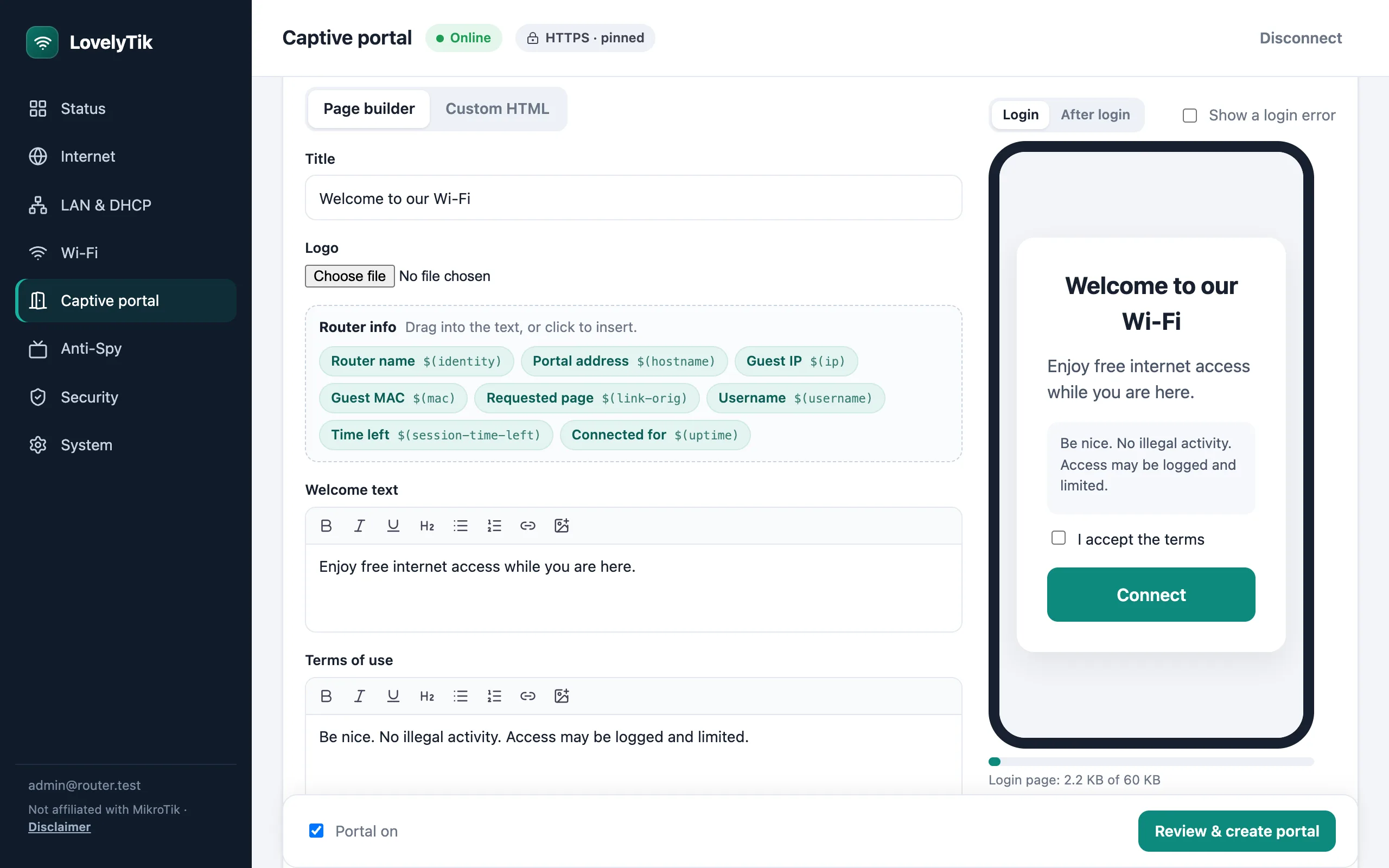
A captive portal with click-to-accept, a shared password or guest accounts, built in a visual editor with a live phone preview.
Port forwarding, blocking a device by its hardware address, and UPnP on or off. Rules you made elsewhere are shown, not touched.
Download a full backup (optionally encrypted) or the settings as text, and restore a backup with one click.
One click turns on HTTPS on the router. The app remembers its certificate and refuses a different one, so nobody can quietly step in between.
Before a risky change (internet, LAN, Wi-Fi), LovelyTik leaves the router a note on how to put things back. If the app can't reach the router afterwards, the router reverts by itself. You see every step before anything happens.
Anti-Spy
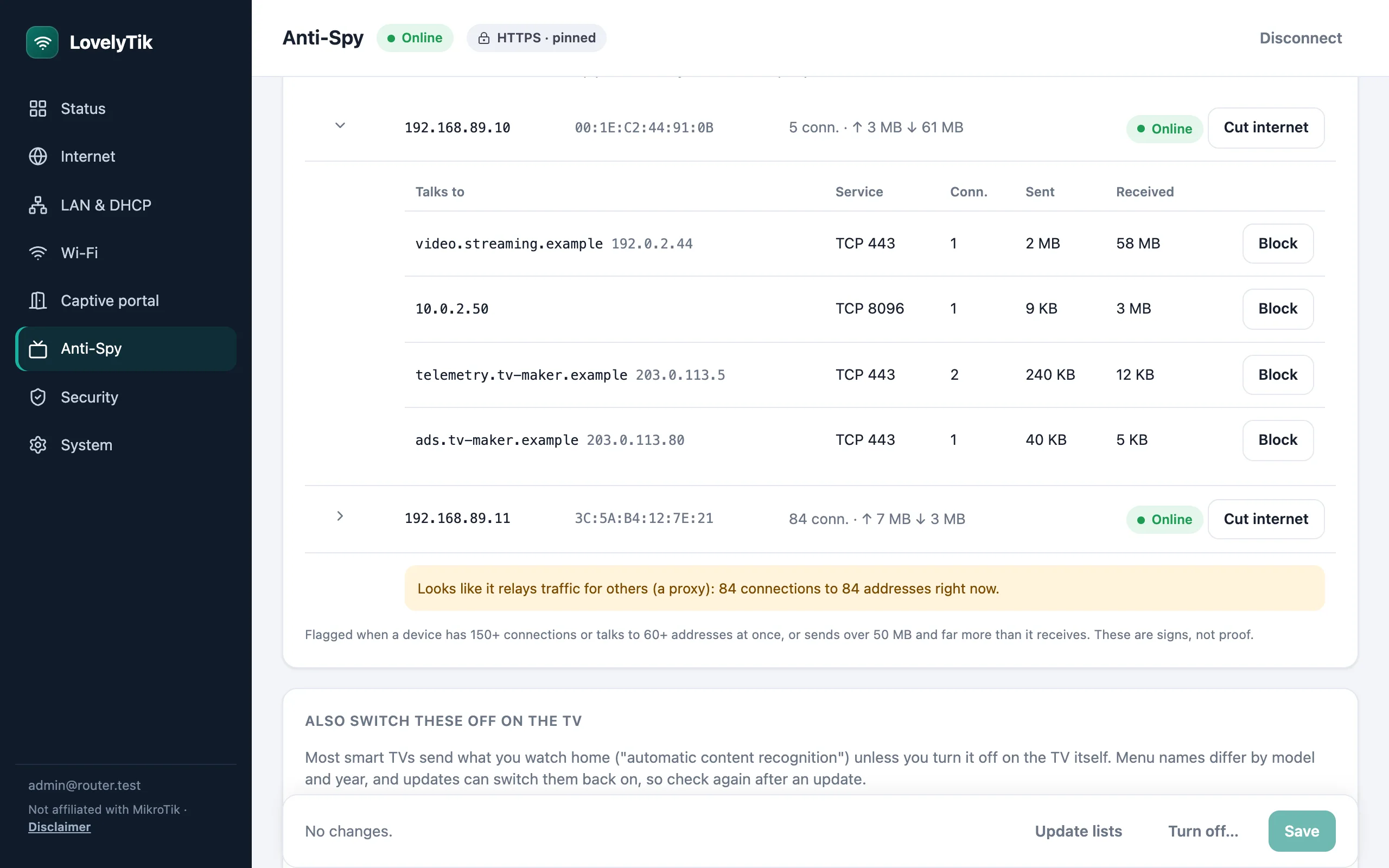
Most smart TVs report what you watch, and some apps quietly turn devices into proxies that resell your connection. Anti-Spy gives the TV, or any device that likes to snoop, its own address range on the cable or Wi-Fi it already uses, and takes control of what it can reach.
No MikroTik yet? Run RouterOS on a Linux home server with one script.
It makes spying much harder, not impossible. It can't see inside apps you allow (a streaming app can still report what you watch in it), can't block trackers that aren't on any list yet or use fixed addresses, and can't stop a device's own microphone or camera. On a shared cable it isn't sealed off: for full isolation, give the device a network of its own.
MikroTik routers running RouterOS 7.1 or newer, including RouterOS in a virtual machine (Cloud Hosted Router). HTTPS is recommended; plain HTTP works on your own network.
No. LovelyTik is independent software, not made, endorsed or supported by MikroTik. Please don't contact MikroTik support about it.
No, and nothing on the network can. Anti-Spy blocks the TV's known trackers, keeps it from going around your router, and shows you what it talks to. Data sent through apps you use, and the TV's own microphone, are beyond any router. Also switch off the TV's own "viewing data" settings; the app lists where they are.
Everything LovelyTik creates is labelled, and it only ever removes its own items. Rules and settings you made elsewhere are edited in place or shown read-only.
Early preview. Everything is tested against RouterOS 7.23.8 in a virtual router, with automated tests for each screen. Wi-Fi radio settings and PPPoE haven't been tried on real hardware yet, and the downloads aren't signed yet.
The app talks only to your router. Passwords are kept in your computer's keychain if you ask it to remember them.